Sophomore Related
Sophomore related work
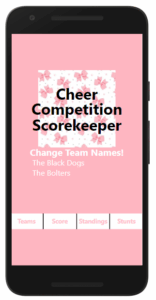
I chose to show my Scorekeeper app for my Sophomore year related work. This app was split into eight parts. Whenever our class learned something new, we added it onto our scorekeeper app. My scorekeeper keeps track of two cheer team’s scores against each other.
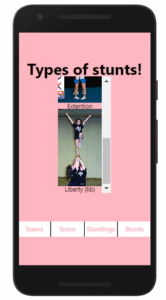
When I started this app in part one, I created it as a dance competition scorer. I used the basic formatting with views and text, I did not have the skills to add functionality at the time. Once I moved onto part 2, I decided to change the scorekeeper to a cheer scorekeeper. Part 7 of my scorekeeper was when I decided that my app’s style was ugly. I quickly got to work on making my app as pleasing to the eye as possible. I created a color scheme of mainly pink and white, but I also included black for the title. I included an extra page that showed different types of stunts, their names, and what they look like in part 8.
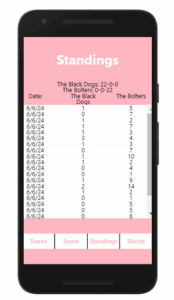
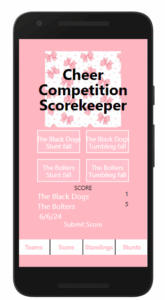
I added functionality for the first time in my scorekeeper app in part 4. This included changing the score of each team when a button was clicked. I used states to set the score and used functions I created for the buttons to add a point. The points in my app represent a deduction, for example, the judge clicks “Team One Tumbling Fall” which adds a deduction to their score. In part 5, I made another page, this page was the page where the user changed the team names. Part 6 I created another page that was for the standings. I made a button where you submitted the score and this ran a function that checks the scores of both teams. Whichever team had the least deductions would get a point in the win column and the loser would get a point in the lose column. On the standings page, I added a function where you got to see each rounds’ standings and date in part 7. The last part, part 8, I used that function in part 7 and put each round in a scrollview so the user can scroll through the scores. I also added a stunts page where I put the stunts in a scrollview as well to have a better look at all the stunts.